See What Ships From This Pipeline
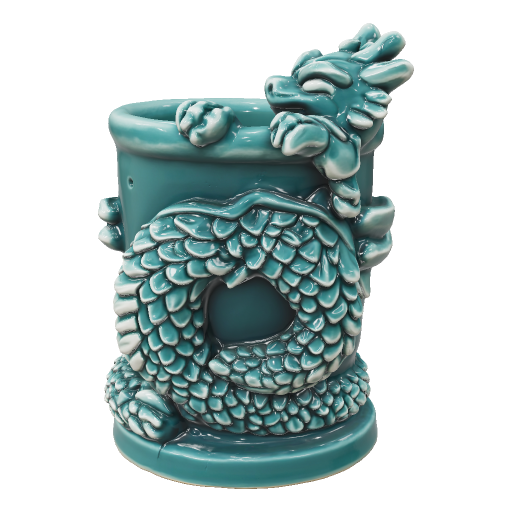
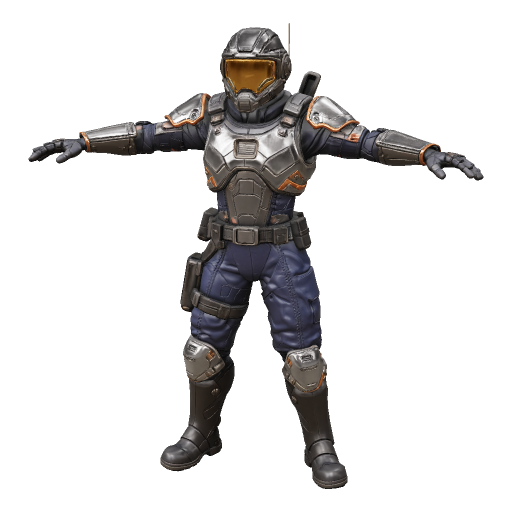
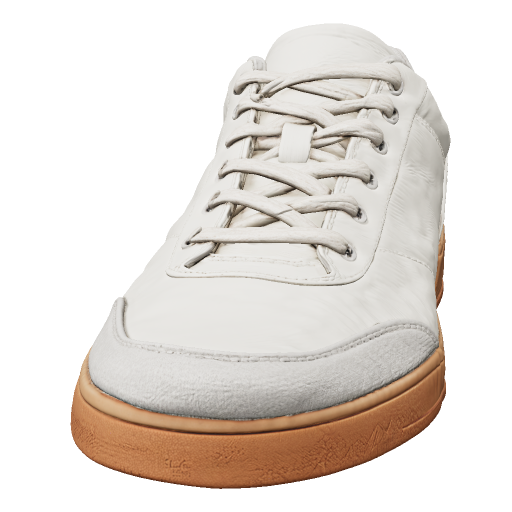
Game props, AR-ready objects, and product concepts — every model below is a real export from ModelGenerator's text and image to 3D pipeline, no CAD software required for a first pass.
Every model below came straight out of ModelGenerator — drag to rotate and check the mesh before you export.

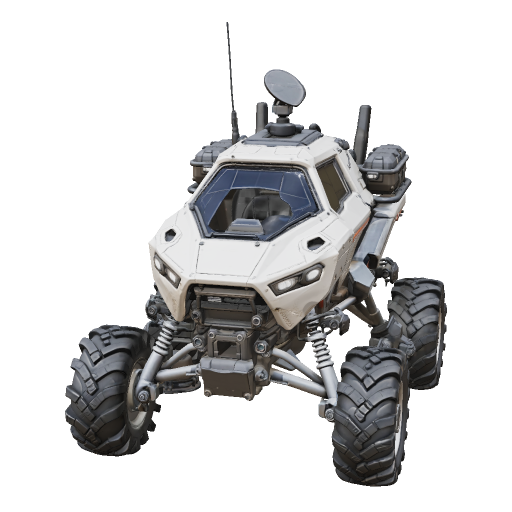
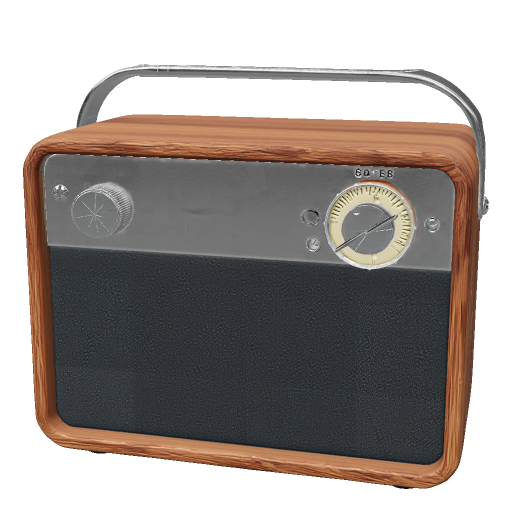
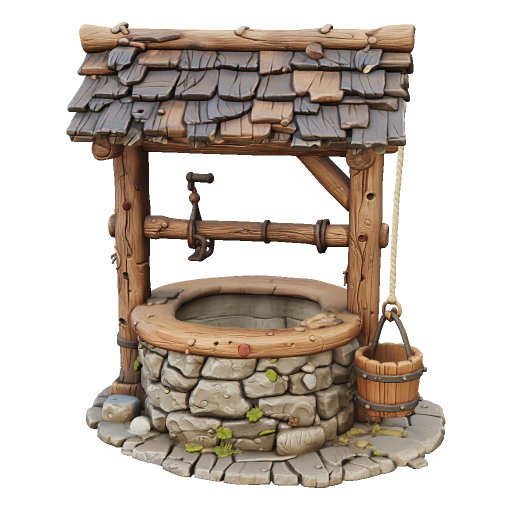

One Pipeline, Every Production Use Case
Describe an asset or upload a reference photo — ModelGenerator builds a textured, export-ready mesh either way, tuned for the pipeline you drop it into.
Export Game-Ready Meshes for Unity and Unreal
Generate a mesh from a prompt or reference photo and export straight to GLB — ready to drop into your game engine's asset pipeline without a manual retopology pass.
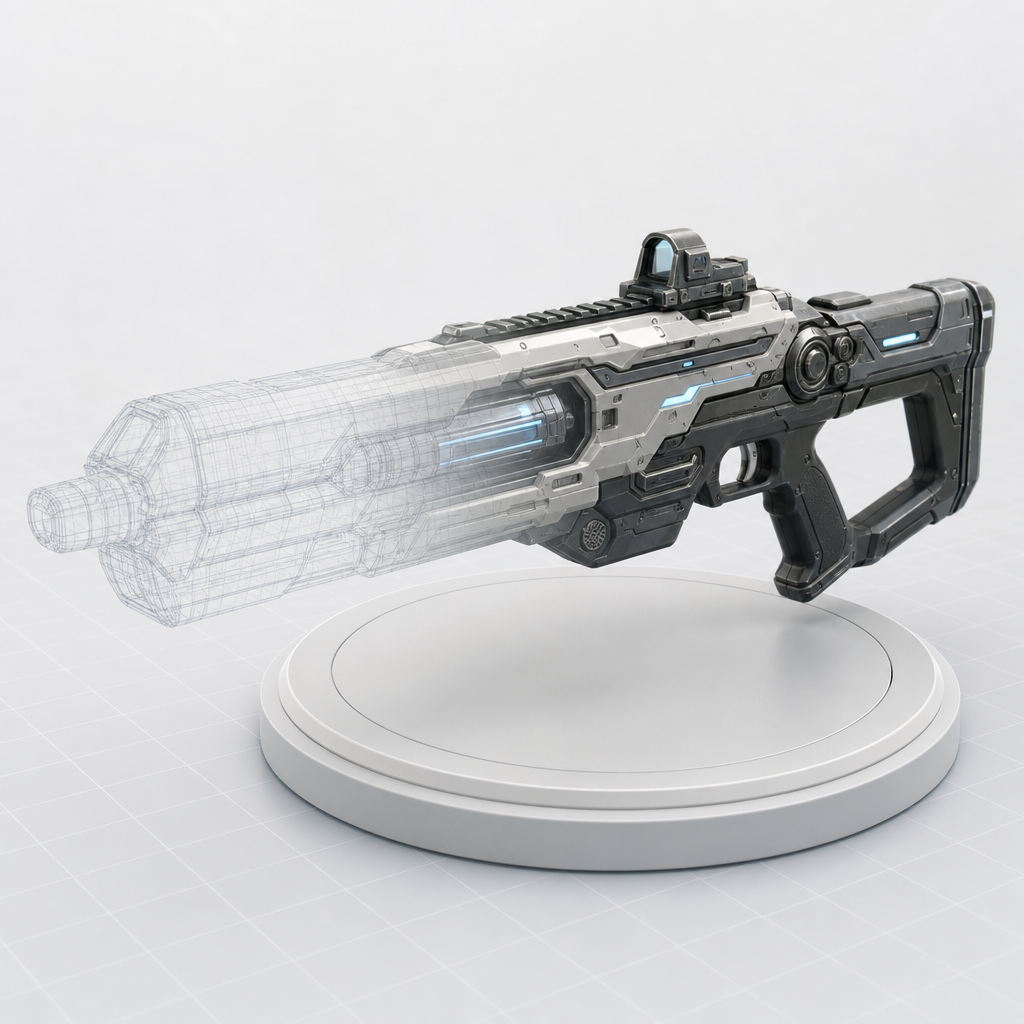
Generate Lightweight Assets for AR and VR
AR and VR viewers need meshes that load fast without losing detail. Pick a lower mesh density for real-time performance, or Standard when the asset needs to hold up in a close-up view.
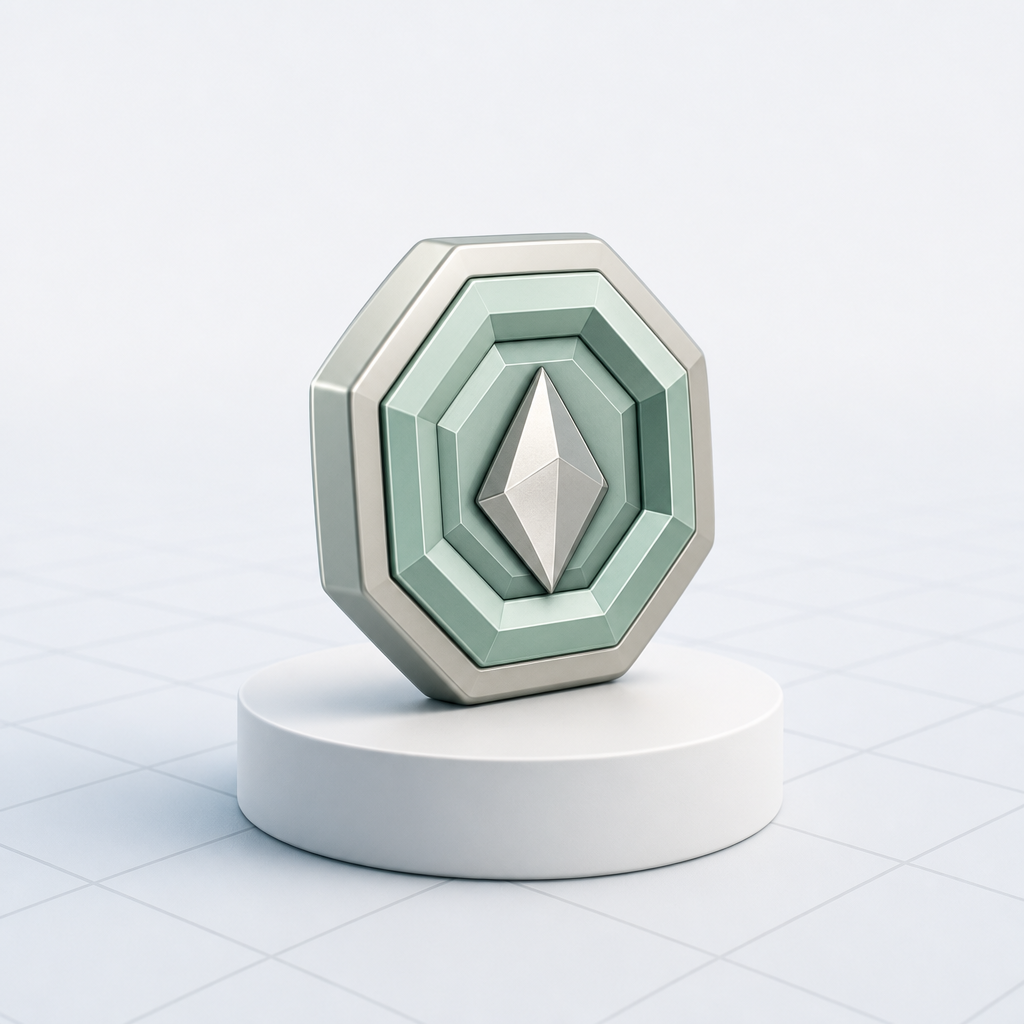
Prototype 3D Concepts for Product Design
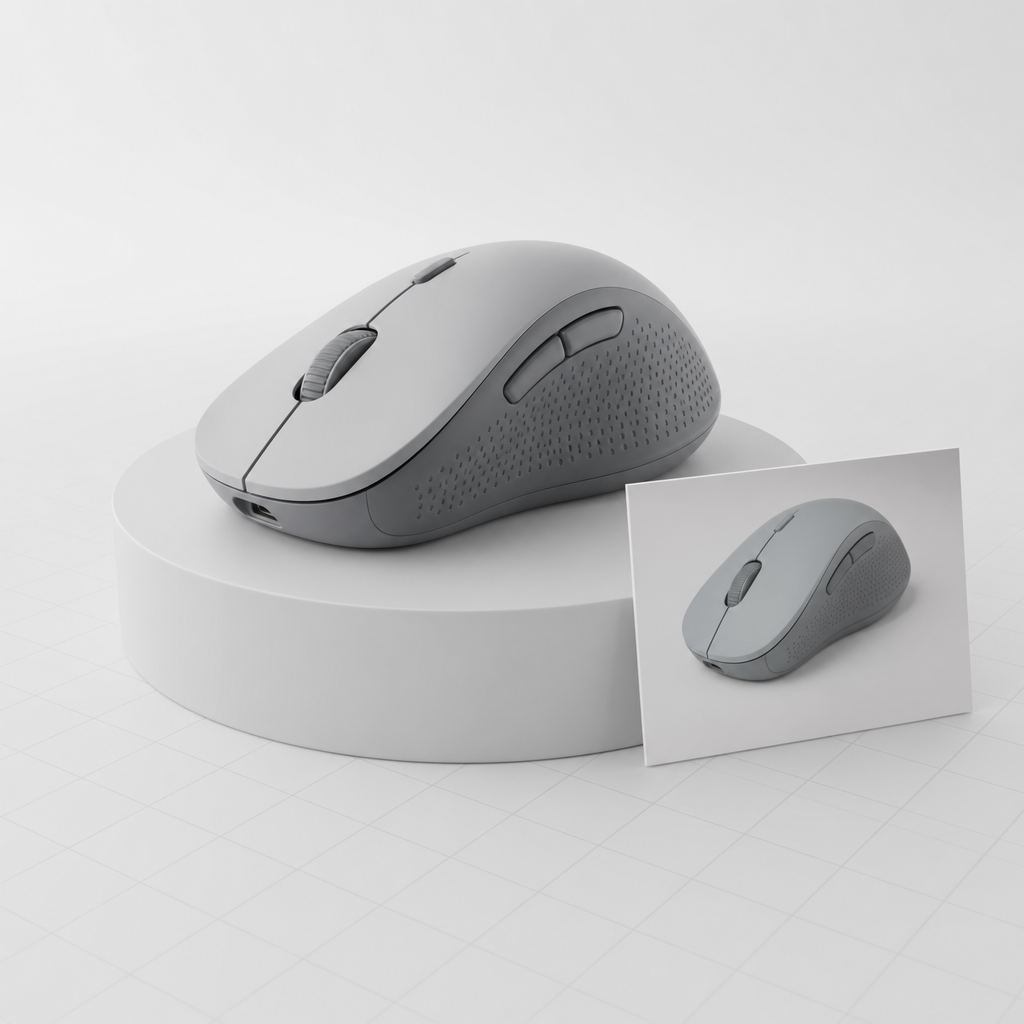
Turn a reference photo or a written spec into a rough 3D form before committing to a full CAD pass — useful for reviewing proportions early, while dimensions are still flexible.
Control Mesh Fidelity for Production Pipelines
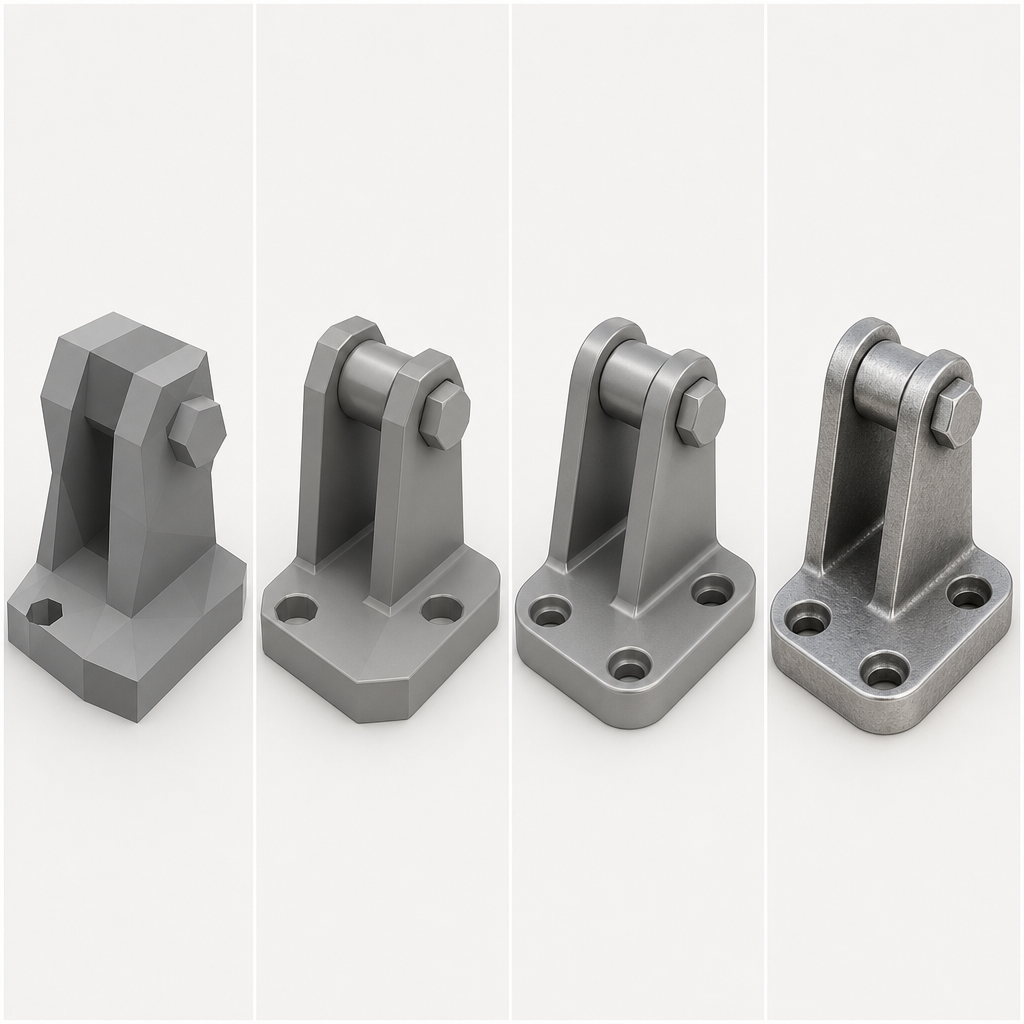
Draft, Standard, Pro, and Ultra map to how far downstream the asset is heading — Draft for a same-day concept check, Ultra for a hero asset that needs to hold up in a close-up shot.
Built for Production Pipelines
The numbers behind exporting from a prompt or a photo straight into a game engine, AR/VR viewer, or product design workflow.
From Prompt or Photo to Production-Ready Mesh
The same three steps whether you're blocking out a game prop, checking product proportions, or prepping an AR asset.
Describe or upload
Write a spec, or upload a reference photo — whichever matches what you're building toward.
Pick a fidelity level
Draft for a same-day concept pass, Ultra when the asset needs to hold up in a close-up render or a production build.
Export for your pipeline
Download GLB and import into Unity, Unreal Engine, Blender, Three.js, Babylon.js, or any AR/VR viewer that reads glTF.
One Pipeline, Every 3D Asset Category
Characters, vehicles, props, or architecture — describe it once and export a mesh ready for your engine or viewer.
Production Pipeline FAQ
Ship Your Next 3D Asset in Minutes
Generate a textured mesh from a prompt or a photo, then export straight into your game engine, AR/VR pipeline, or product design workflow — free to try.